
You have not yet added any article to your bookmarks!
Join 10k+ people to get notified about new posts, news and tips.
Do not worry we don't spam!
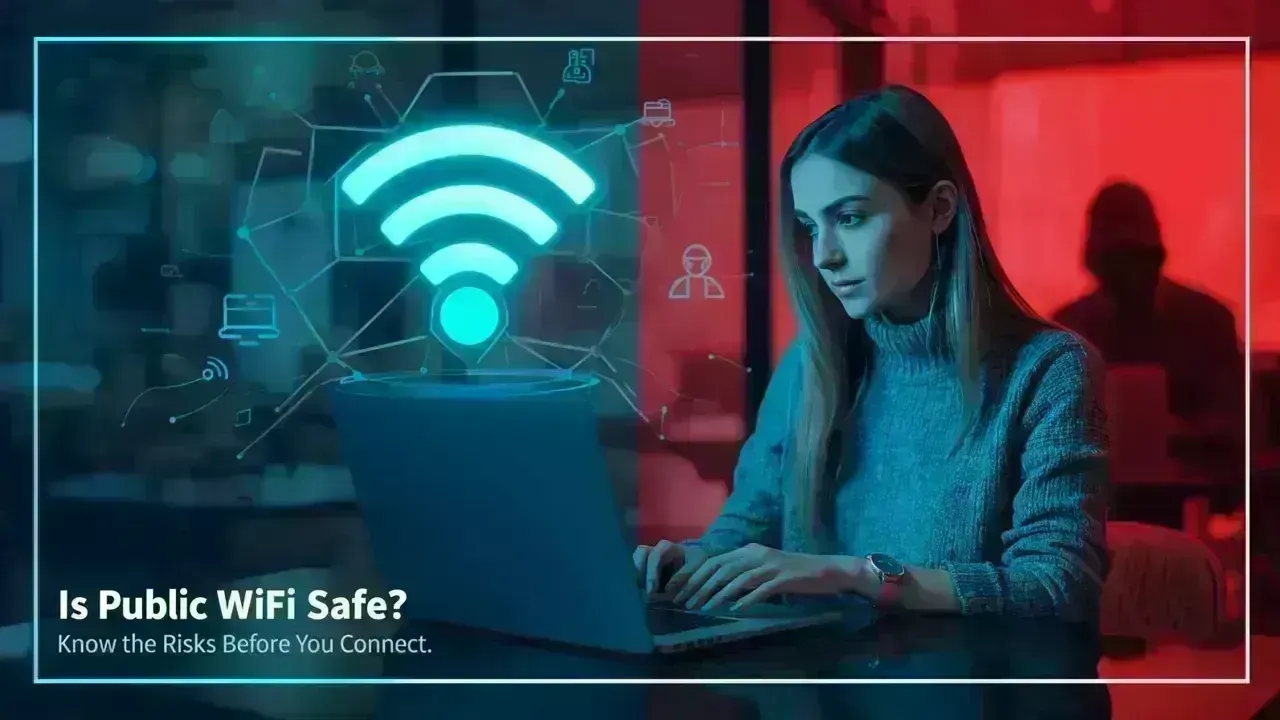
Post by : Samjeet Ariff
With the rise of free public WiFi in locations like cafes, shopping malls, and airports, the convenience of saving mobile data cannot be ignored. However, this convenience raises an important question: how secure are these public WiFi networks?
Using public WiFi can put your personal data at risk if you're unaware of the dangers. Many individuals connect daily without knowing the vulnerabilities that exist. Familiarizing yourself with these threats and the necessary precautions can ensure you remain safe online.
Typically, public WiFi is open or inadequately secured, allowing anyone to connect easily. While this facilitates access, it equally allows cybercriminals to infiltrate the network without difficulty.
Once you're online, your information may be transmitted across a non-secure network, which creates openings for attackers to intercept your data or observe your online activities. Unlike private WiFi networks with robust encryption, public ones often lack such protections, rendering your information more susceptible.
One of the foremost dangers on public WiFi is data interception. Cybercriminals can utilize tools to capture data originating from your device, especially if it's not encrypted.
There’s also the threat of counterfeit WiFi hotspots. Attackers can create networks that mimic credible ones, such as “Free Café WiFi” or “Airport Guest Network.” Connecting to these can expose your data directly to them.
Additionally, unsecured networks can convey malware to your device, working silently to collect your information over time.
While on public WiFi, it's vital to assume that any information you share could be vulnerable without proper safety measures.
This includes sensitive details like email credentials, social network passwords, private messages, and financial information. Accessing any app requiring sensitive information can leave your data open to interception.
Even simple browsing could reveal behavioral patterns, which might lead to targeted phishing scams.
Public WiFi can be considered safer for basic, non-critical online actions. General browsing, video streaming, and reading articles involve less risk compared to entering login details.
Websites utilizing secure connections (HTTPS) provide some measure of safety, though they’re not infallible. Remaining cautious on unfamiliar networks is paramount.
While it's not necessary to completely refrain from public WiFi, wise usage is essential.
One highly effective approach is employing a VPN (Virtual Private Network). A VPN encrypts your internet connection, significantly complicating efforts to track or compromise your data.
It's best to avoid accessing banking applications, work emails, or sensitive platforms on public networks. If essential tasks arise, switch to mobile data.
Always verify the network's name before connecting, and don't hesitate to ask staff for confirmation to avoid dubious networks.
Keeping your device up-to-date is crucial, as updates generally incorporate security enhancements to fend off known threats.
In terms of security, mobile data is usually the safer choice. Cellular networks offer greater security and are less prone to hacker interference in comparison to public WiFi.
For sensitive activities or information, opting for mobile data is always advisable.
Certain indicators should prompt caution before connecting to any public network.
If the WiFi network is open, requests unusual personal data, or has similar-sounding names, it may pose risks. Unexpected pop-ups or redirect issues can also be cause for concern.
Unreliable or sluggish connections may sometimes hint at suspicious network behavior.
Recently, numerous businesses have taken steps to bolster WiFi security through authentication, encrypted access, and limited sessions. Such measures help mitigate risks for users.
However, it's crucial to remember that no system guarantees complete security. Staying vigilant and adhering to basic safety practices remains essential for all users.
This information serves for general awareness and educational purposes only. It cannot completely shield against cyber threats. Always follow recommended security measures and utilize reliable tools to protect your information.
Can I safely access social media on public WiFi?
Yes, but refrain from logging in or sharing sensitive details on unfamiliar networks.
Is a VPN really a necessity?
Utilizing a VPN is an effective way to safeguard your data on public WiFi and is highly advisable.
Should I conduct online shopping using public WiFi?
It's wise to avoid making purchases over public networks and instead rely on mobile data.
Can public WiFi damage my device?
Yes, unprotected networks may expose devices to malware or unauthorized access.
Is every public WiFi network unsafe?
Not necessarily, but treating all public networks with caution is the best practice.










PM Modi Pays Tribute to Mahatma Gandhi, Urges People to Support Khadi
PM Modi pays tribute to Mahatma Gandhi on Gandhi Jayanti and urges citizens to support Khadi and the

Amazon Seeks to Offload $8 Billion in Nvidia Chips to Investors
Amazon plans to move $8 billion in Nvidia chips to investors, using a new financing model to strengt

Samsung Raises Galaxy S26 Prices as Memory Chip Costs Rise
Samsung raises Galaxy S26 prices in South Korea as rising memory chip costs put pressure on smartpho

Lewis Hamilton Calls Singapore Grand Prix One of F1's Toughest Races
Lewis Hamilton discusses the demanding Singapore Grand Prix and brings Plus44 and Almave to Singapor

Denmark's Pandora Opens World's Largest Jewellery Factory in Vietnam
Pandora opens its largest jewellery factory in Vietnam, expanding global production, strengthening s

Gautam Gambhir Questions Batting-Friendly Pitches After India's Record ODI Chase
Gautam Gambhir questions batting-friendly ODI pitches after India’s record chase, calling for a bett