
You have not yet added any article to your bookmarks!
Join 10k+ people to get notified about new posts, news and tips.
Do not worry we don't spam!

Post by : Samjeet Ariff
OpenAI is taking a significant leap in user safety with the launch of a state-of-the-art feature for ChatGPT aimed at safeguarding against the growing threat of phishing attacks. As cyber threats evolve, particularly in AI environments, this enhancement seeks to fortify accounts against unauthorized access.
The feature, termed “Advanced Account Security”, introduces an added layer of defense by altering the login process and account recovery methods. It is particularly advantageous for users engaged with sensitive information, critical communications, or professional tasks.
The recently launched Advanced Account Security aims to defend users from phishing attempts and account theft. Unlike conventional password systems, this advanced model employs robust authentication methods including passkeys and physical security keys.
Consequently, even if an individual attempts to trick you into revealing your credentials, accessing your account remains a daunting challenge.
This feature is currently optional but anticipated to gain traction as cyber threats escalate.
AI-powered platforms like ChatGPT have evolved beyond just tools; they now house private conversations, work-related data, and valuable information, making them appealing targets for hackers.
Phishing schemes typically rely on deceptive emails and links to obtain passwords. However, with this updated system, the potential for password-based logins is significantly diminished, creating a challenging environment for would-be attackers.
This update holds increased significance as AI accounts are integral to everyday tasks, raising security concerns should they be compromised.
This new architecture introduces several key changes that enhance account security:
Together, these enhancements construct robust defenses against phishing and cyber threats.
Activating this feature is straightforward, but it requires careful attention to detail:
Step 1: Access Your Account Settings
Log into your ChatGPT profile and navigate to your account settings dashboard.
Step 2: Locate Security Options
Find the “Security” or “Advanced Security” section within your settings.
Step 3: Activate Advanced Account Security
Enable the feature and follow the guided setup instructions.
Step 4: Configure Passkeys or Security Keys
You will need to create passkeys or connect a hardware security key (like USB authentication devices).
Step 5: Safeguard Backup Access Methods
Ensure you securely store backup keys, as recovery options will be limited post-activation.
While this feature delivers significant protection, it introduces several changes you should be mindful of:
This necessitates that users be vigilant and secure their backup access.
This feature is highly advisable for:
Nonetheless, even casual users stand to gain from activating enhanced account protection on ChatGPT.
As AI applications become more prevalent and multifunctional, the focus on security is equally crucial. This innovative feature reflects ChatGPT's commitment to ensuring user protection.
If you frequently utilize ChatGPT, activating Advanced Account Security is a wise choice to reinforce your data integrity.
This article serves informational purposes only. Feature availability may differ by region and account type. Always consult official settings for updates.
#Cybersecurity AI #AI Technology #Cybersecurity #AI Developments #AI Research Tools #AI Skills










APEC Members Emphasise Safe and Responsible Use of Artificial Intelligence
APEC members discuss responsible AI use, digital innovation and data governance as China and the US

Union of European Clubs Challenge UEFA and EFC Over EU Competition Rules
UEC files an EU competition complaint against UEFA and EFC, challenging club representation, governa

Mohammed Shami Retires From Test Cricket, Eyes White-Ball Career
Mohammed Shami retires from Test cricket after 13 years, with 229 wickets. He will continue playing

Singapore Warns Users About Privacy and Security Risks of AI Agents
Singapore warns users about AI agent security risks, data privacy, online scams and unauthorised acc

Chris Lynn Completes One-Month Ban After Positive Cocaine Test
Australian cricketer Chris Lynn completes a one-month ban after a positive cocaine test during the T
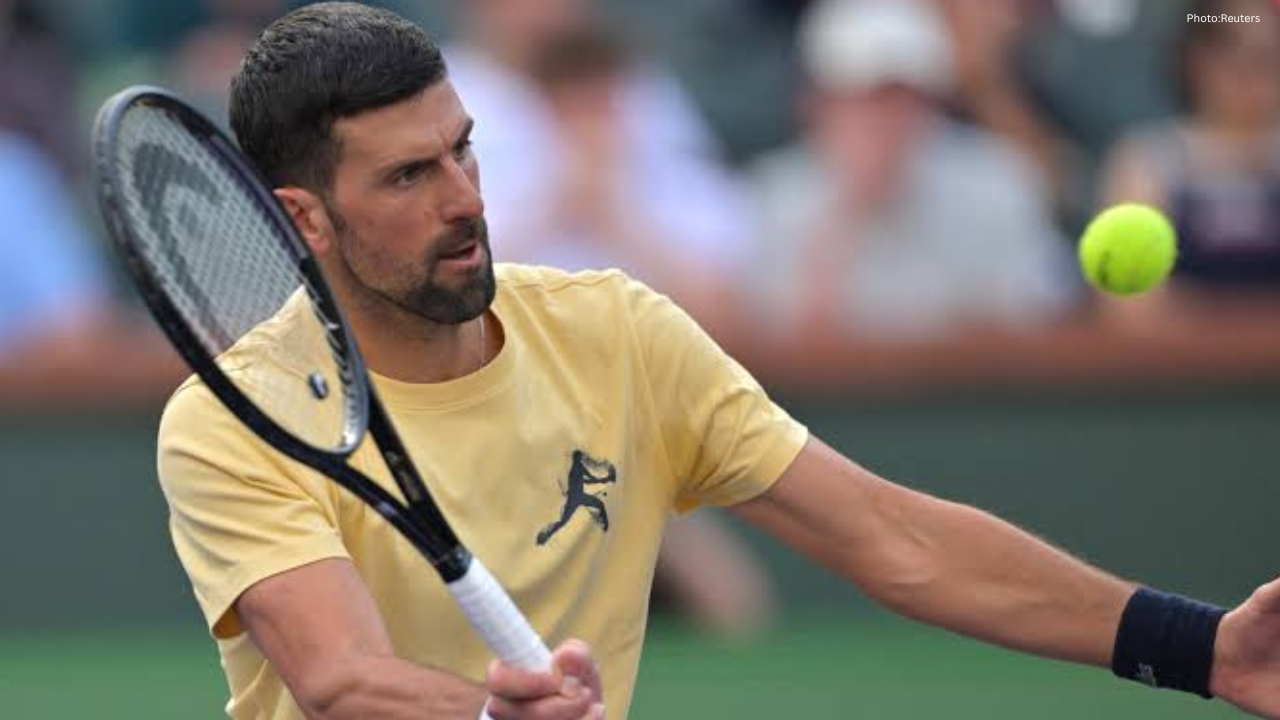
Djokovic Eyes Strong Season Finish as Health Improves Ahead of Paris Masters
Novak Djokovic reports improved health and performance as he targets a strong Paris Masters finish a