
You have not yet added any article to your bookmarks!
Join 10k+ people to get notified about new posts, news and tips.
Do not worry we don't spam!
Post by : Samjeet Ariff
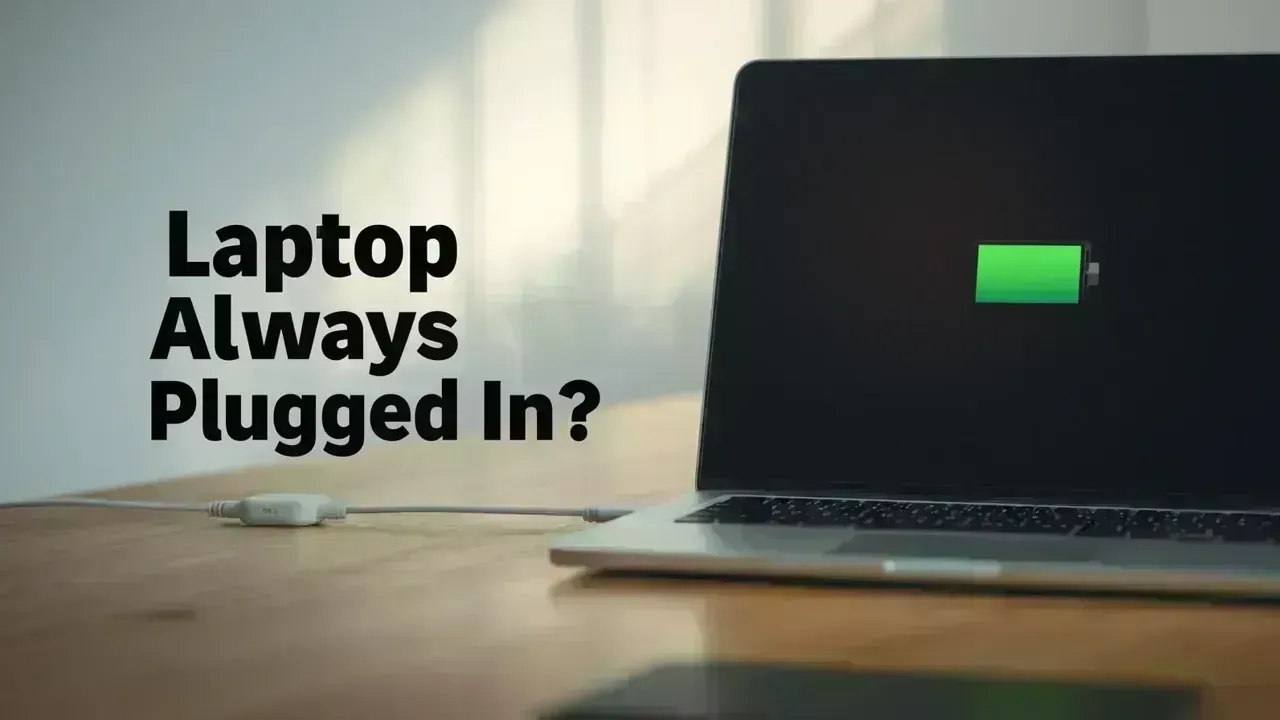
Many users tend to keep their laptops plugged in throughout the day for work or leisure, but this leads to an important query: does continuous charging harm the battery?
The brief answer? Modern laptops are equipped with smarter battery management systems than you might think. However, the details hinge on how batteries function, the designs by manufacturers, and individual usage patterns. Grasping the intricacies of laptop battery care is essential to prolonging your device's life.
Today’s laptops commonly use lithium-ion or lithium-polymer batteries, engineered for savvy charging. Once your battery reaches its full capacity, the system typically halts charging and draws power directly from the plug.
This mechanism means your laptop doesn’t necessarily “overcharge” in the way older models did. The integrated battery management systems (BMS) actively work to prevent harm from prolonged charging.
While overcharging is rarely a concern, other elements such as heat and the cycle of charging play a more pivotal role in battery deterioration over time.
For short periods, keeping your laptop plugged in while working is generally safe. The system adeptly manages power delivery, so overcharging isn’t a risk.
That said, consistently remaining at a 100% charge level can exert some stress on lithium batteries, which ideally function best between 20% and 80% charge.
Thus, while leaving your laptop plugged in all day may not pose immediate threats, continuous high-level charging could slowly diminish battery lifespan over time.
When it comes to battery longevity, heat is the biggest enemy. Elevated temperatures quicken internal chemical reactions, which can lead to accelerated wear.
Engaging in intensive tasks like gaming while plugged in can generate noticeable heat. This mix of a high charge and elevated temperature is a key factor behind quicker battery degradation.
To safeguard your battery, maintaining a cooler environment is crucial for ensuring long-term performance.
Any battery has a finite number of charge cycles. A cycle is counted as using the entire battery capacity over time, not just in one go.
For instance, depleting 50% one day and another 50% the next results in one full cycle. Over time, as these cycles accumulate, the battery’s charging capacity declines.
Interestingly, keeping your laptop plugged in can limit cycle use—though it keeps the battery at a high charge state, which also contributes to its wear. Hence, balanced charging habits are advised.
Major brands like Dell, HP, and Apple have embedded features to improve battery sustainability.
For example, numerous laptops come with battery optimization options that restrict charging to about 80% during extended use. This reduces strain on the battery.
Some devices even adapt to your usage patterns to optimize charging, making smart battery management an inherent feature.
Rather than worrying about whether to plug in, concentrate on your daily usage. Simple shifts can substantially enhance laptop battery longevity.
Try to avoid keeping the battery constantly at 100%. Allow it to deplete occasionally and recharge when necessary, aiming for a moderate battery level.
Most importantly, ensure good airflow. Avoid placing your laptop on soft surfaces where heat can accumulate. A cooling pad can also help manage optimal temperatures.
For intense tasks such as video editing or gaming, plugging in your laptop is advisable. This ensures steady performance and curbs unnecessary battery depletion.
For lighter or casual usage, allowing your device to run on battery now and then helps maintain healthy cycling. This approach balances performance with longevity.
Many still believe that prolonged plugging leads to “overcharging.” This was valid with older battery tech, but modern devices are designed differently.
Another misunderstanding is that you should always drain the battery completely before recharging, when in fact, deep discharges can potentially harm lithium-ion batteries over time.
Grasping these myths can empower you to make informed choices and streamline usage habits.
So, is it safe to keep your laptop plugged in all day? Definitely—if you are mindful. Modern laptops can handle continual charging, but long-term battery health largely hinges on your management of heat and charge levels.
Instead of stressing over plugging in, prioritize smart usage habits and temperature management. When convenience meets conscientious practices, you can maximize your battery's lifespan and keep your laptop functioning optimally for the long haul.
This article aims to provide informational insights and is based on battery science along with manufacturers' recommendations. Actual battery performance may vary by device type, usability styles, and environmental factors. For best results, follow the official guidelines issued by your laptop’s manufacturer.
#Tech News #Global Technology Trends #Tech Innovation #Tech Tips









PM Modi Pays Tribute to Mahatma Gandhi, Urges People to Support Khadi
PM Modi pays tribute to Mahatma Gandhi on Gandhi Jayanti and urges citizens to support Khadi and the

Amazon Seeks to Offload $8 Billion in Nvidia Chips to Investors
Amazon plans to move $8 billion in Nvidia chips to investors, using a new financing model to strengt

Samsung Raises Galaxy S26 Prices as Memory Chip Costs Rise
Samsung raises Galaxy S26 prices in South Korea as rising memory chip costs put pressure on smartpho

Lewis Hamilton Calls Singapore Grand Prix One of F1's Toughest Races
Lewis Hamilton discusses the demanding Singapore Grand Prix and brings Plus44 and Almave to Singapor

Denmark's Pandora Opens World's Largest Jewellery Factory in Vietnam
Pandora opens its largest jewellery factory in Vietnam, expanding global production, strengthening s

Gautam Gambhir Questions Batting-Friendly Pitches After India's Record ODI Chase
Gautam Gambhir questions batting-friendly ODI pitches after India’s record chase, calling for a bett