You have not yet added any article to your bookmarks!
Join 10k+ people to get notified about new posts, news and tips.
Do not worry we don't spam!
Post by : Samjeet Ariff
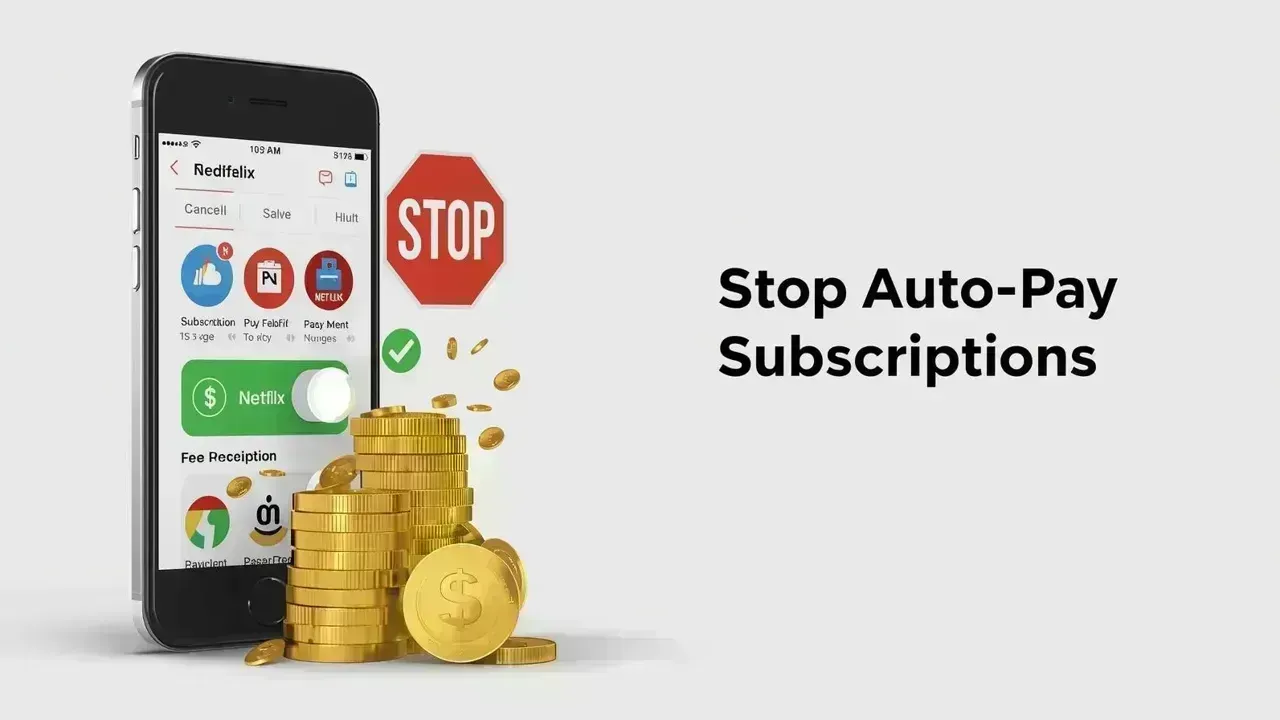
The Hidden Costs of Auto-Pay Subscriptions
Auto-pay subscriptions can be beneficial until they become a significant drain on your finances. Many users initiate free trials or sign up for premium services without considering the long-term implications. What starts as a modest monthly charge gradually evolves into an unnoticed expense.
The issue is not solely financial but relates to managing your funds. Subscriptions often renew without warning, and if you don't vigilantly oversee them, they may keep deducting money from your account even when you're not utilizing the service.
In the modern digital era, controlling your auto-pay subscriptions, recurring charges, and billing options has become vital for sound personal finance management. Luckily, discontinuing these subscriptions is straightforward—it's all about knowing where to look and what actions to take.
Before proceeding to cancel subscriptions, it's essential to grasp how they're structured.
Typically, auto-pay subscriptions are associated with:
When you subscribe to a service, it gains permission to charge you at regular intervals—be it monthly, quarterly, or annually.
Common types of subscriptions include:
Due to the automatic nature of these payments, users often lose track of them. Regularly reviewing your subscriptions is crucial for effective budget management and financial oversight.
Your initial move should be to discern which subscriptions are currently active.
On most smartphones, this can be accessed via your account settings, where you will find:
This is crucial as it gives you a snapshot of your financial outflow. Many users are astonished to discover ongoing charges for services they no longer use.
With this information in hand, you can make informed decisions about which subscriptions to retain or cancel.
If you're on an Android, most subscriptions are overseen via the Google Play Store.
To disable auto-pay subscriptions:
Post-cancellation, the subscription remains effective until the billing cycle ends, yet you won't incur further charges.
For iPhone users, manage your subscriptions through your Apple ID settings.
Here’s how:
This ensures the termination of your recurring payment, preventing any charges in the next cycle.
Some subscriptions aren't governed by app stores but tied directly to payment platforms like Google Pay or PhonePe.
This is critical since even if you uninstall an app, the payment mandate might still persist.
At times, subscriptions are tricky to find as they're connected directly to a website instead of your mobile device.
In such situations:
Canceling directly from the website guarantees that payments cease completely.
One prevalent misconception is that removing an app halts all charges. Unfortunately, that's misleading.
Subscriptions are tied to your account, rather than the application itself. As a result:
This awareness helps prevent unnecessary fees and boosts your financial literacy.
Managing subscriptions isn't only about cancellation; it's also about avoiding unwanted sign-ups.
To mitigate future troubles:
These small actions can result in significant savings over time.
While individual subscriptions may appear economically manageable, their cumulative effect can turn into a substantial expense.
For instance:
Monitoring and regulating these expenses is vital to maintaining your budget.
In today's digital landscape, subscriptions proliferate. Everything from entertainment to work tools is gravitating toward recurring payments.
Mastering how to manage these charges is not merely beneficial—it is crucial. It enables you to:
This insight is fundamental for students and young professionals embarking on their financial journeys.
Auto-pay subscriptions may be convenient, but they pose risks of turning into unnoticed monetary drains. Taking a few minutes to assess and control your subscriptions could lead to savings and help you avoid unwanted fees.
The essence lies in awareness. Once you know where your funds are allocated, you can make informed choices and maintain control over your financial matters.
Take action today—review your subscriptions, terminate those you don't require, and cultivate wiser financial habits.
This article serves informational needs only. Operational steps may differ based on the device, OS, and app updates. Users should adhere to official platform guidelines for precise instructions.
#Tech News #Global Technology Trends #Tech Monitoring #Auto-Pay Subscriptions










PM Modi Pays Tribute to Mahatma Gandhi, Urges People to Support Khadi
PM Modi pays tribute to Mahatma Gandhi on Gandhi Jayanti and urges citizens to support Khadi and the

Amazon Seeks to Offload $8 Billion in Nvidia Chips to Investors
Amazon plans to move $8 billion in Nvidia chips to investors, using a new financing model to strengt
Samsung Raises Galaxy S26 Prices as Memory Chip Costs Rise
Samsung raises Galaxy S26 prices in South Korea as rising memory chip costs put pressure on smartpho

Lewis Hamilton Calls Singapore Grand Prix One of F1's Toughest Races
Lewis Hamilton discusses the demanding Singapore Grand Prix and brings Plus44 and Almave to Singapor

Denmark's Pandora Opens World's Largest Jewellery Factory in Vietnam
Pandora opens its largest jewellery factory in Vietnam, expanding global production, strengthening s

Gautam Gambhir Questions Batting-Friendly Pitches After India's Record ODI Chase
Gautam Gambhir questions batting-friendly ODI pitches after India’s record chase, calling for a bett