
You have not yet added any article to your bookmarks!
Join 10k+ people to get notified about new posts, news and tips.
Do not worry we don't spam!
Post by : Samjeet Ariff
When your laptop slows down, it’s common to consider a replacement. However, often the slowdown is not due to the laptop’s hardware but rather factors such as system clutter, outdated software, or background applications. With proper maintenance and tweaks, you can rejuvenate an old laptop without investing in a new one. The focus is to alleviate excess load from the system to restore its efficiency. Below are ten practical steps that can enhance performance on both Windows and macOS, explained so you can give your device a new lease on life.
Laptops accumulate temporary files, caches, logs, and remnants from uninstalled programs over time. These can take up valuable storage space and degrade performance, particularly in laptops with limited space.
Temporary files occupy space crucial for optimal operation. When storage exceeds 80% capacity, both Windows and macOS start to lag.
Utilize built-in utilities such as Disk Cleanup (Windows) or Storage Management (macOS) to remove temporary files, caches, old updates, and unnecessary system data.
Old laptops often get bogged down by software that is rarely used.
Unused software still occupies internal space and may run background processes that consume resources.
Evaluate installed applications, uninstall ones you don’t need, and eliminate outdated antivirus programs, trial versions, or duplicate apps.
Many applications automatically load during startup, increasing boot time and utilizing RAM right from the start.
Access Task Manager on Windows or Login Items on macOS and turn off unnecessary startup applications.
Only retain vital services, antivirus tools, and drivers. Others may contribute to a sluggish boot.
Heavy browsers can significantly impact the performance of older hardware.
Multiple tabs and extensions consume RAM, and some extensions account for increased processor use.
Regularly clear browser data, disable unnecessary extensions, and limit active tabs. Consider using lighter alternative browsers.
System updates enhance performance, resolve bugs, and patch security vulnerabilities.
Updates are designed to optimize performance, even for older hardware, and eliminate outdated components.
Avoid major OS upgrades that may be too demanding for your hardware; opt for stable, recommended versions.
A messy desktop may seem trivial, but every icon is considered a file that loads at startup.
A crowded desktop prolongs boot time and slows down graphical performance.
Retain only essential shortcuts. Organize files into folders instead of cluttering the desktop.
Older laptops have a hard time performing well when visual effects are set to maximum.
Lowering visual effects and animations reduces the load on the system.
In Windows, modify Performance Options to “Adjust for best performance.” In macOS, deactivate transparency and limit motion effects.
Malware and excessive security software can drain memory, bandwidth, and CPU resources.
Harmful applications may run covert processes that burden system resources, while multiple security programs can hinder performance.
Opt for a single trusted antivirus and perform a comprehensive system scan to identify and eliminate threats.
Data-heavy files like movies and high-resolution images quickly consume disk space.
Insufficient disk space typically results in degraded performance, especially on older hard drives.
Transfer large files to external drives or cloud storage to maintain optimal internal storage levels.
Over time, hard disk drives get fragmented, slowing data access speeds.
For laptops equipped with an HDD, regularly run the Disk Defragment tool. For SSDs, run the built-in optimization tool—never defragment SSDs.
To revitalize an old laptop, recognizing what hinders its performance is key. Most issues stem from unnecessary applications, cluttered files, and other optimizations. By implementing these strategies, even a vintage laptop can regain speed, efficiency, and dependability. No need to rush into purchasing new hardware; proper maintenance can prolong a laptop’s life. If the performance issues persist after these fixes, considering a RAM upgrade or switching from HDD to SSD could yield significant improvements, but these extras are not obligatory.
This content delivers general troubleshooting ideas aimed at boosting laptop performance. Results may differ based on device condition and hardware. It is advisable to back up data prior to making changes. For hardware-related concerns, consult a trained technician.









Josh Kerr and Jakob Ingebrigtsen Set for 1,500m Rivalry Rematch
Josh Kerr and Jakob Ingebrigtsen will renew their 1,500m rivalry at the Ultimate Championship in Bud

PSG Coach Luis Enrique Urges Players to Step Outside Comfort Zone
PSG coach Luis Enrique says players must leave their comfort zone and keep improving as the club tar

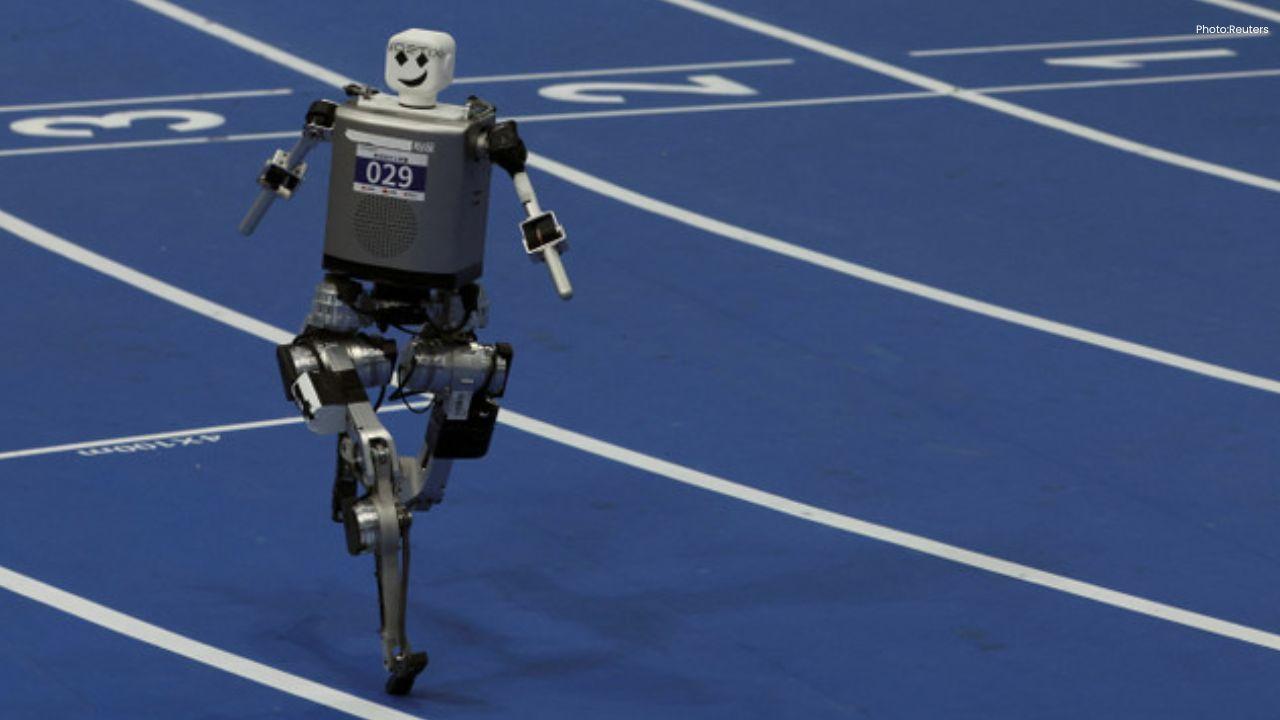
China’s Tiangong Sets New 400m Record at Robot Olympics
China’s Tiangong robot sets a new 400m record at the Robot Olympics, beating a South African robot i
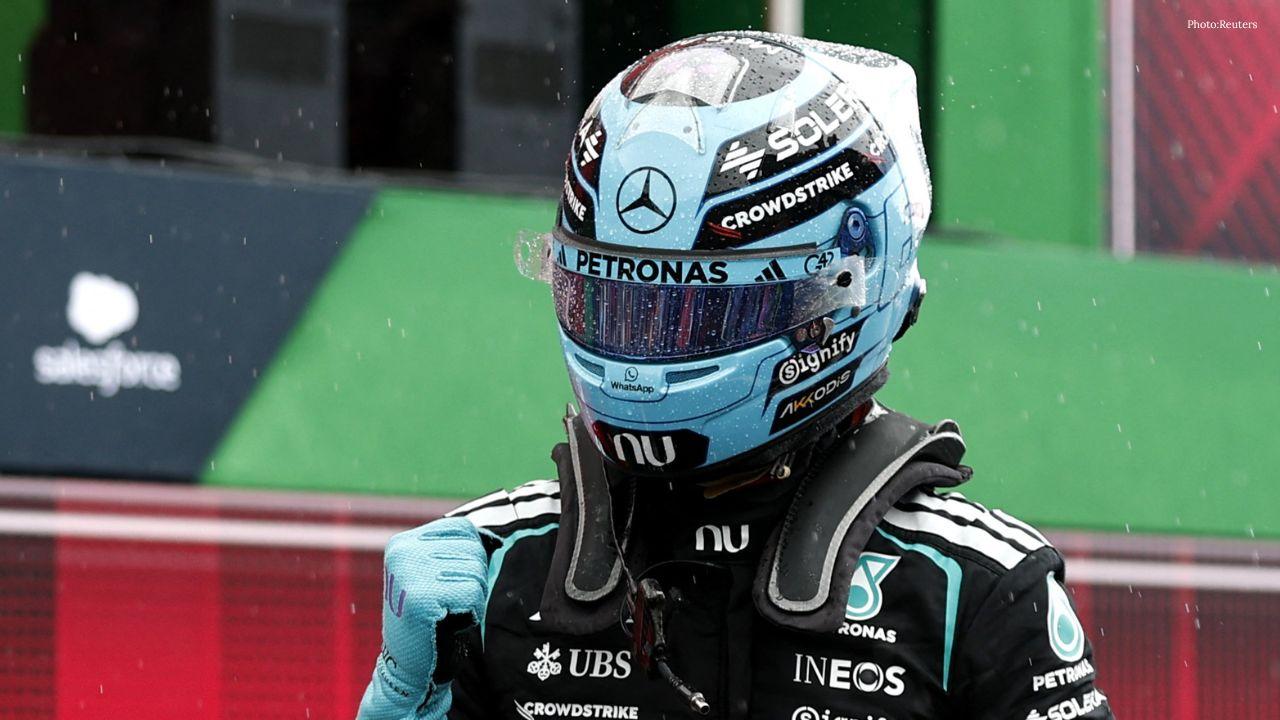
George Russell Wins Dutch GP Sprint, Boosts Mercedes Morale
George Russell wins the Dutch GP Sprint from pole as Mercedes teammate Kimi Antonelli extends his F1
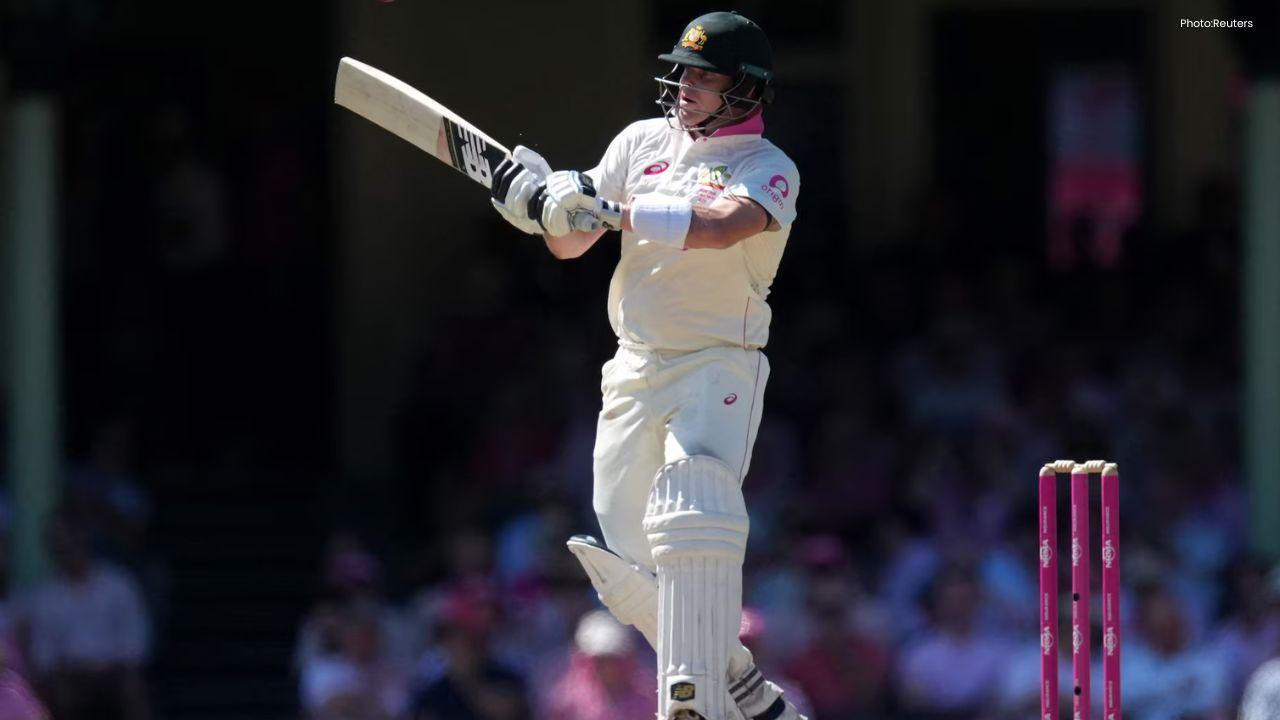
Australia 50/3 After Bangladesh Bowled Out for 64 in Second Test
Australia reached 50/3 after Bangladesh were bowled out for 64 in the second Test, with Mitchell Sta

Jordan Burroughs Returns to Wrestling with 2028 Olympic Dream
Jordan Burroughs returns to wrestling with Real American Freestyle as the Olympic champion eyes a po